Long Name Helper by Helen, Helen's Helper, hELPER
Sprite Replace Trigger
由于这个 Trigger 的使用稍微有点混乱, 加上平时基本上都是针对某个特定实体换肤, 所以这里将极度简化这个 Trigger 的介绍
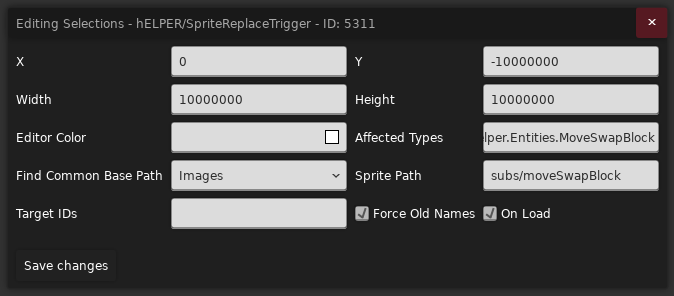
首先找到你想要换肤的实体, 比如 CommunalHelper/MoveSwapBlock, 在 Affected Types 中填入该对象的完全限定名, 这里是
Celeste.Mod.CommunalHelper.Entities.MoveSwapBlock, 之后把这个 Trigger 框住你想要换肤的实体并配置好新的素材路径即可
如果你觉得把整个房间框起来很碍眼, 或是每个房间都要放很麻烦, 可以使用全局房间, 并把 Trigger 宽高设置为 10000000 放在右上角即可
Find Common Base Path
Images: 替换贴图, 我们后续通过Sprite Path偷梁换柱将原来对象的贴图位置导向我们新的素材位置Sprites: 用Sprite.xml中的动画对象配置来替换该对象的动画配置, 其实跟那种换肤实体让你填Sprites.xmlID 一样, 只不过这个可以用在没有提供这个功能的对象上
Sprite Path
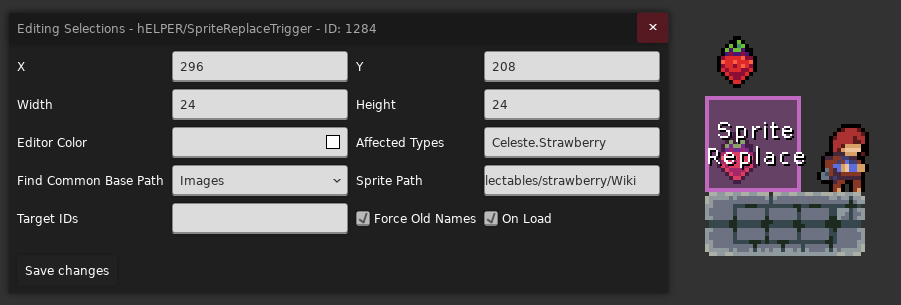
填入你制作的皮肤素材对应的文件夹路径 (从 Gameplay/ 文件夹开始算起), 比如如果你要替换草莓,
那么你的文件可能会放在 collectables/strawberry/Wiki 里
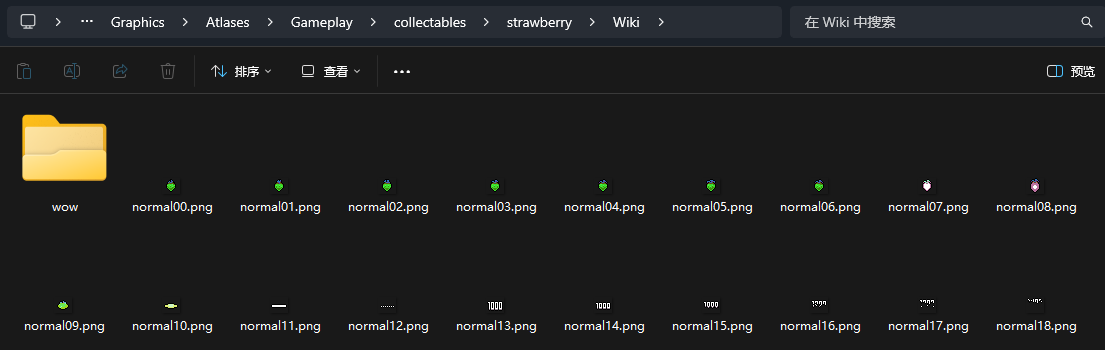
hELPER 首先会找到你要替换的对象所使用的所有图片的公共路径, 比如草莓的贴图路径有
- collectables/strawberry/normal00.png
- collectables/strawberry/normal01.png
- ...
- collectables/strawberry/wow/normal52.png
它们的公共路径为 collectables/strawberry, 之后 hELPER 就会将该路径替换为你填入的自定义路径, 并在这个新的路径往下找对应的贴图
- collectables/strawberry/Wiki/normal00.png
- collectables/strawberry/Wiki/normal01.png
- ...
- collectables/strawberry/Wiki/wow/normal52.png
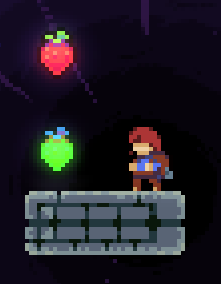
像下面这样
注意
如果路径前面加个 $ 符号, 则表示这是个 Sprites.xml 里对应动画组的 ID, 比如 $wiki_glider 表示用自定义的 ID wiki_glider 生成新的动画来替代原来的, 这样我们就只用专注于 XML 怎么写,
而不用特别捣鼓路径了, 像下面这样
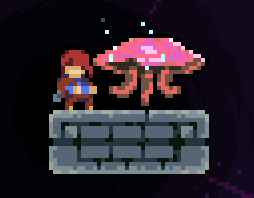
这里只是做个简单演示, 水母可以直接改
Sprites.xml换的
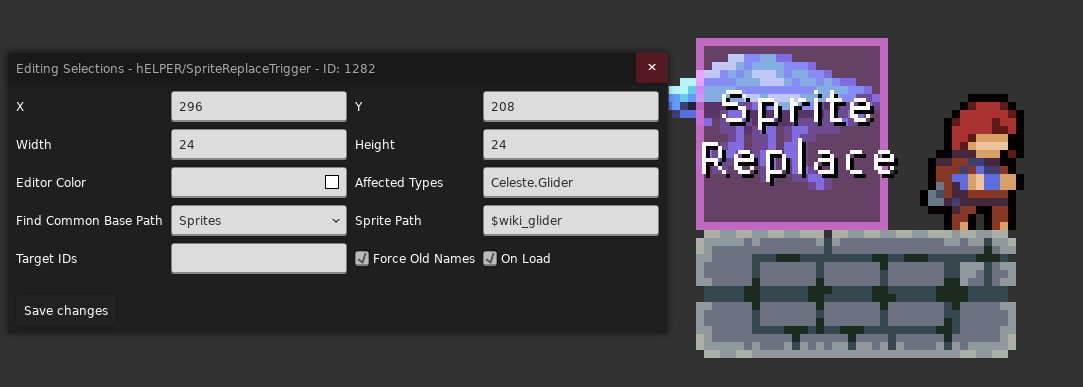
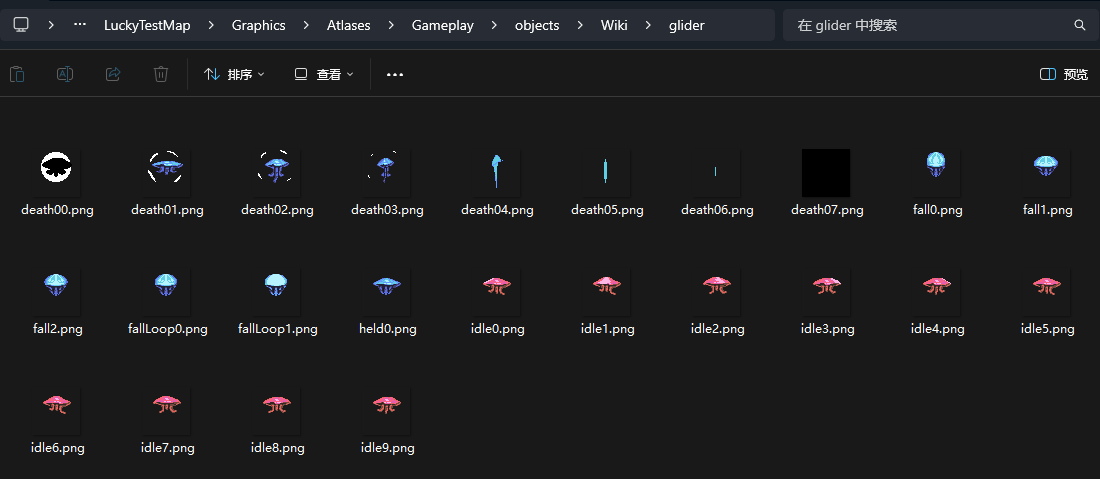
| 路径: 你的 Mod/Graphics/Wiki/Sprites.xml | |
|---|---|
1 2 3 4 5 6 7 8 9 10 11 12 13 14 15 16 17 18 19 | |
Target IDs
虽然我很想把这些 bug 讲清楚, 但似乎这只会增加混乱, 我说框选模式是对的, 慢就是快
有 bug
Affected Types
有部分 bug
On Load
表示房间加载的时候就替换贴图, 还是 player 进入的时候才替换
Force Old Names
表示是否用原来的路径找对应的贴图, 比如上方 Sprite Path 部分绿色右边部分的路径
取消勾选则是会使用动画 id 还是什么的 (有点没研究明白, 但是我感觉勾上会好一点, 这样就跟平常换贴图的逻辑一样了)